

You can't skip postage entirely
A letter with no postage at all is usually not delivered normally: it goes back to the sender or the recipient is asked to pay the surcharge — and many refuse. For letters with a deadline that is risky. So you don't need a stamp, but you do need valid postage.
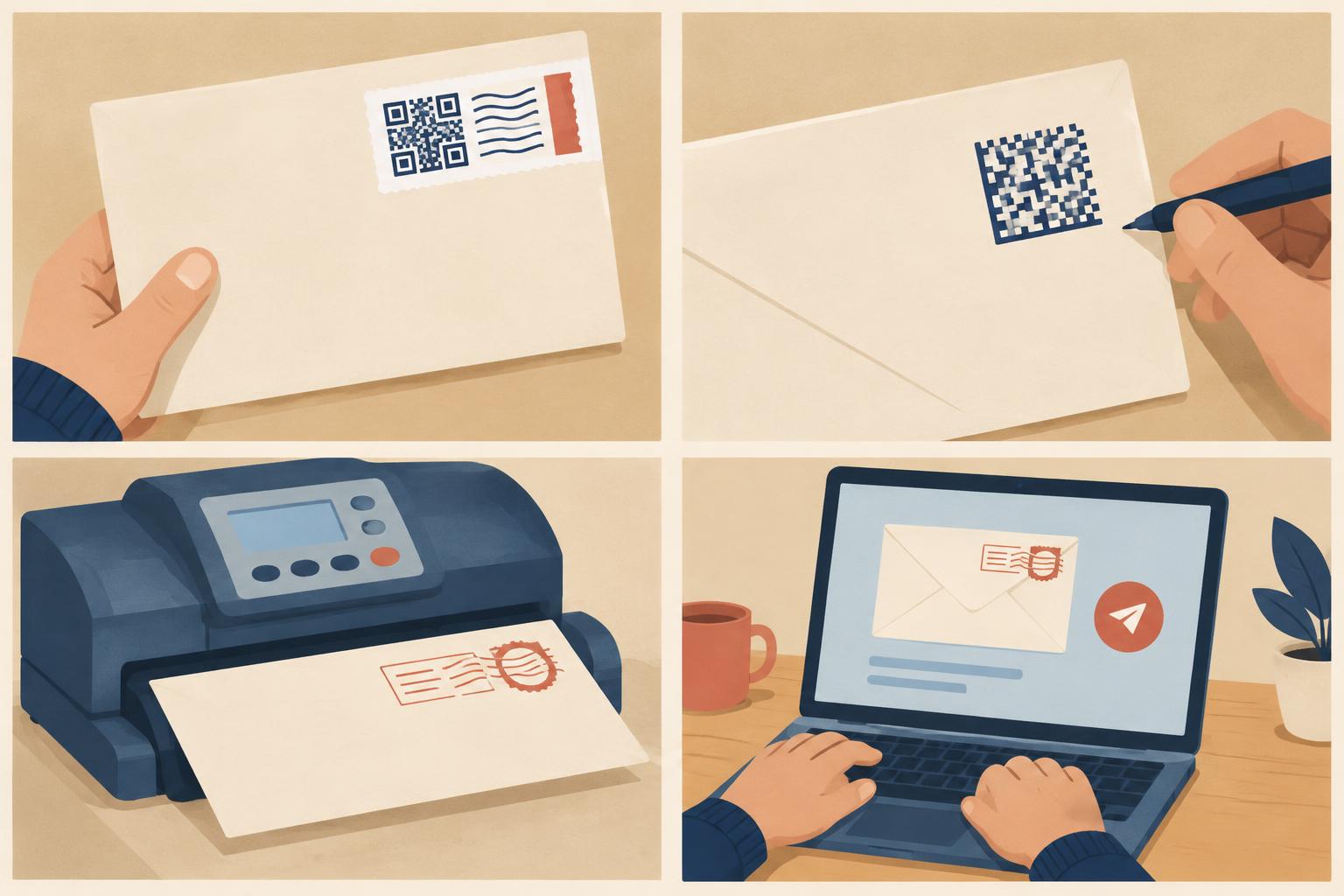
The four options at a glance
| Option | How it works | Best for |
|---|---|---|
| Mobile stamp (Handyporto) | Buy a code in the Post & DHL app and write it in the top-right corner of the envelope; the code is only valid for a limited time | Single letters, on the go |
| Internetmarke | Buy online, print on a label or directly on the envelope | Anyone with a printer |
| Post office or partner outlet | Hand in the letter at the counter, postage is printed on | Registered mail, international letters, advice |
| Online printing and posting | Write the letter in the browser; the service prints, frankes and posts it | Anyone without printer, envelope or stamp |
Current prices for each letter type are in the postage calculator. Deutsche Post usually charges a small premium for the mobile stamp over a regular one; check the price in the app before buying.
Using the mobile stamp correctly
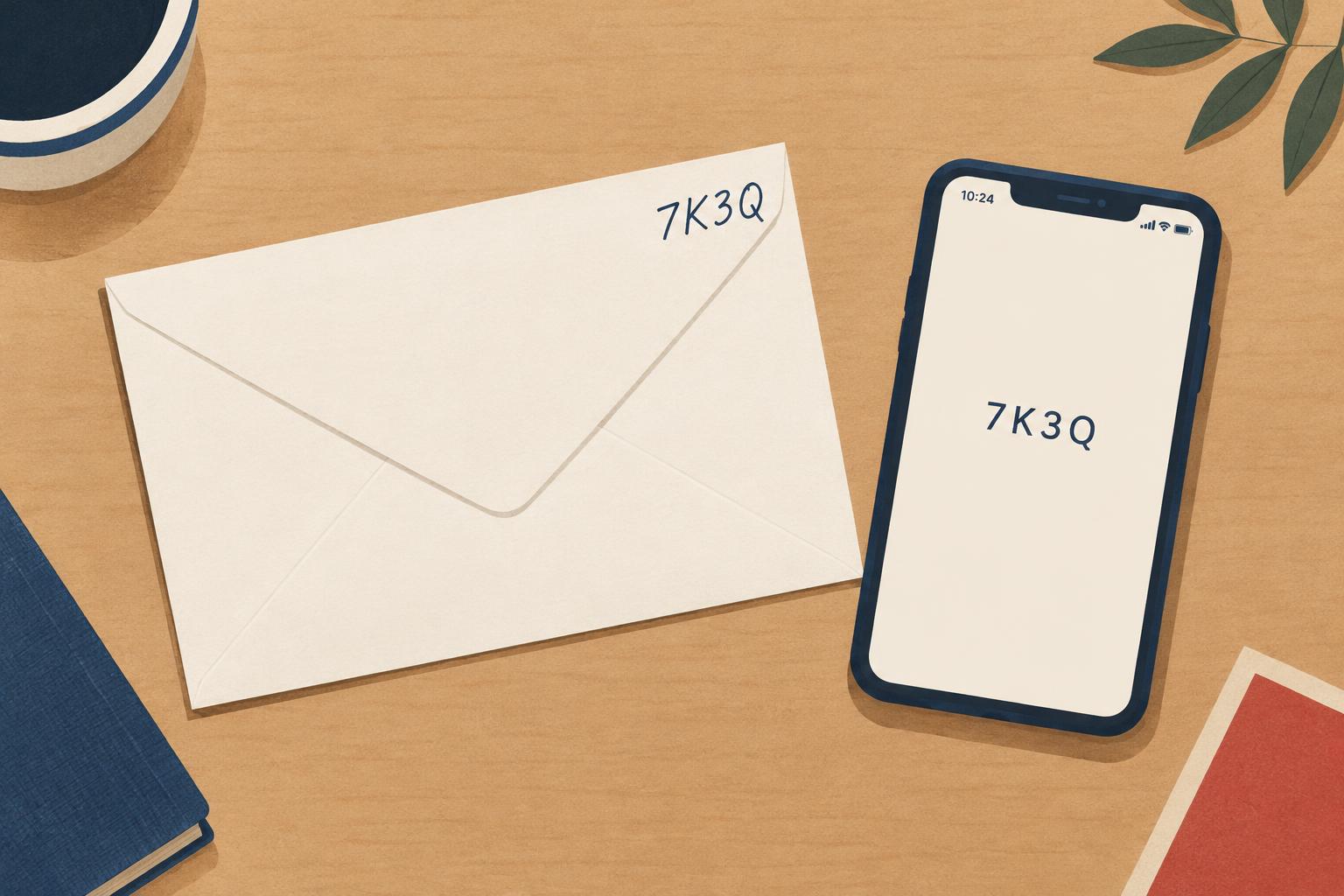
- Pick the letter type (Standard, Kompakt, Groß or Maxi) — weigh first if there are several sheets.
- Buy the code in the app.
- Write the code in capital letters in the stamp area, top right, without covering it.
- Post the letter within the validity period shown in the app.
No envelope, no stamp: send it online
If there is no printer at home anyway, online dispatch also saves you paper, envelope and the trip to the postbox. Write the letter in the letter editor; postage is included in the price. The process is explained in Send letters online.
Quick check before posting
- Size and weight match the chosen letter type.
- Complete address — see How to address an envelope in Germany.
- Return address on the envelope so undeliverable letters come back.
- For deadlines: registered mail at the counter instead of the postbox.