
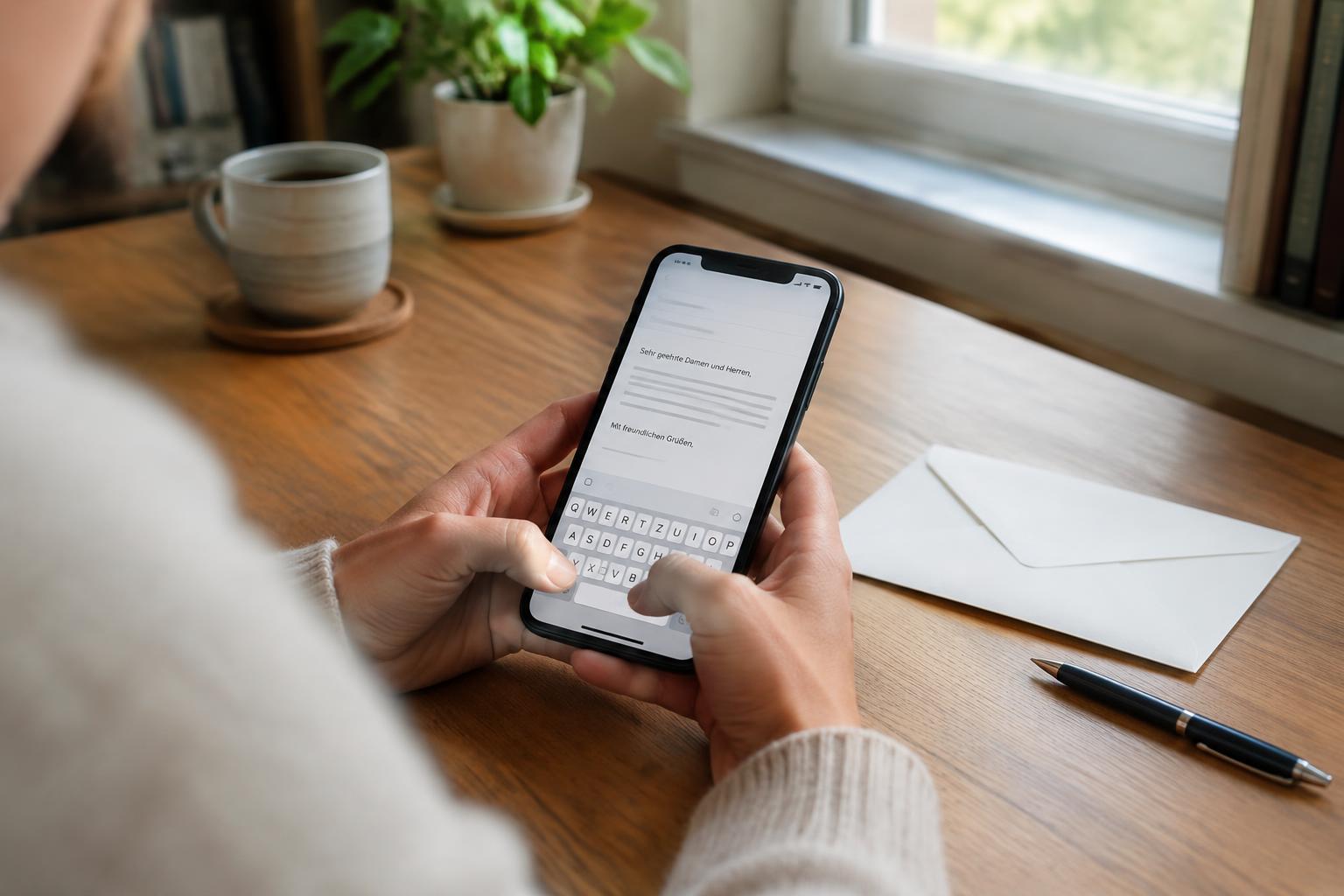
When does sending from your phone make sense?
The classic case: you're travelling, on holiday or simply don't own a printer — but a cancellation, an objection or a reply to an authority has to go out. Instead of word processing, printing and walking to the postbox, you do everything in one step on your phone. The recipient gets a normal, franked paper letter.
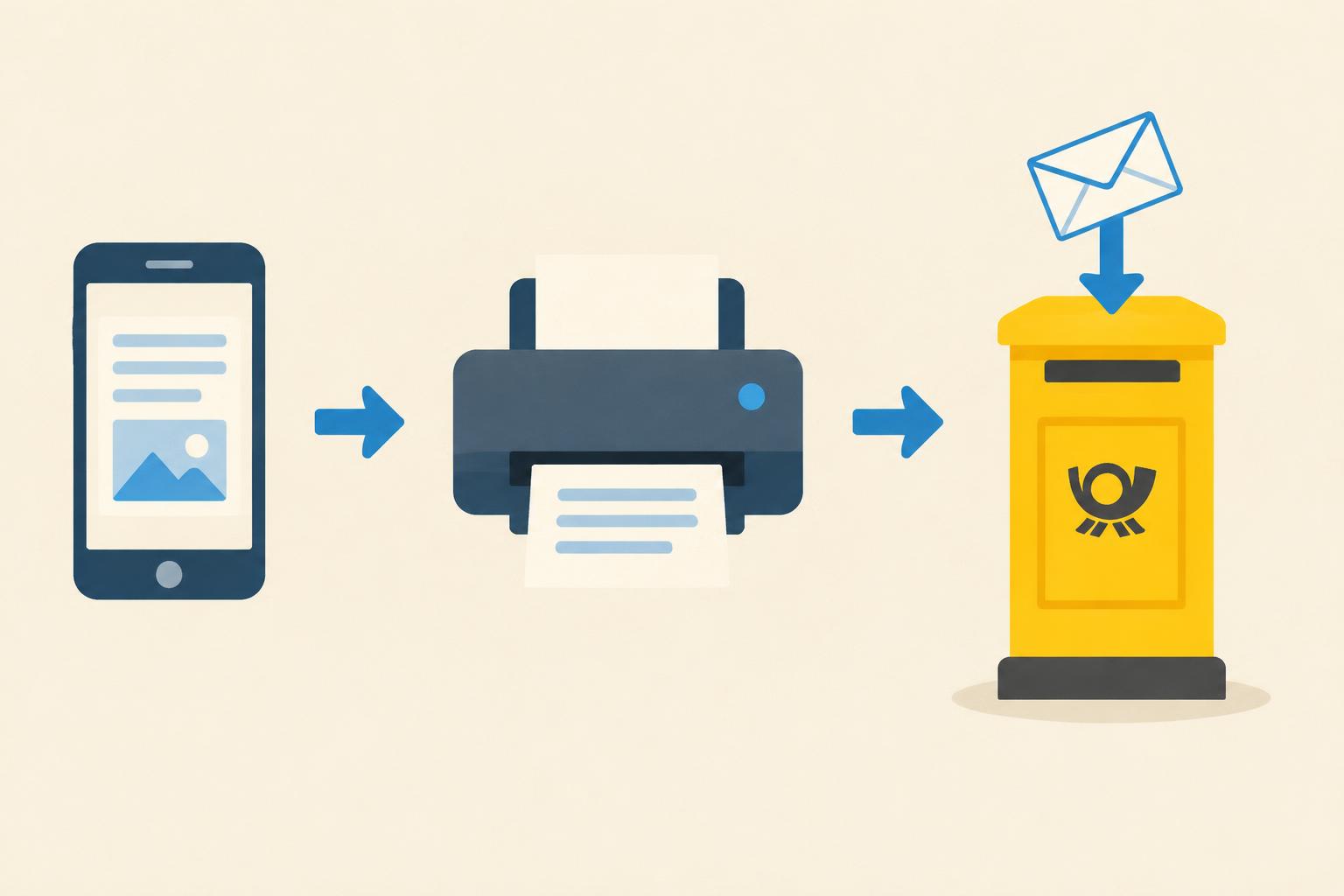
Step by step
- Write the text: In the letter editor you type the letter directly on your phone or paste a finished text. Salutation, subject line and closing are set just like on a computer.
- Enter sender and recipient: On the small screen, double-check the spelling of names, street and postcode.
- Check the preview: The page preview shows exactly how the printed letter will look — including the address block in the window envelope.
- Order the sending: Printing, enveloping, franking and handing over to the post are handled by the service. You receive a confirmation.
Tips for writing on a smartphone
- Short paragraphs: Paragraphs look shorter on a phone than on paper. Use the preview to check the line breaks.
- Watch autocorrect: Phones love to “fix” names and reference numbers incorrectly. Proofread the preview word by word.
- Save the draft: The editor automatically keeps a draft — you can start on your phone and finish on your computer.
- Keep deadlines in mind: For time-sensitive letters, plan for transit time and consider registered mail. More in the guide sending a letter online.
What does it cost?
The price depends on the number of pages and the shipping method and is above plain postage — but paper, ink, envelope, stamp and the walk to the postbox are all included. For comparison, the postage calculator shows current rates.