What is a mail merge letter?
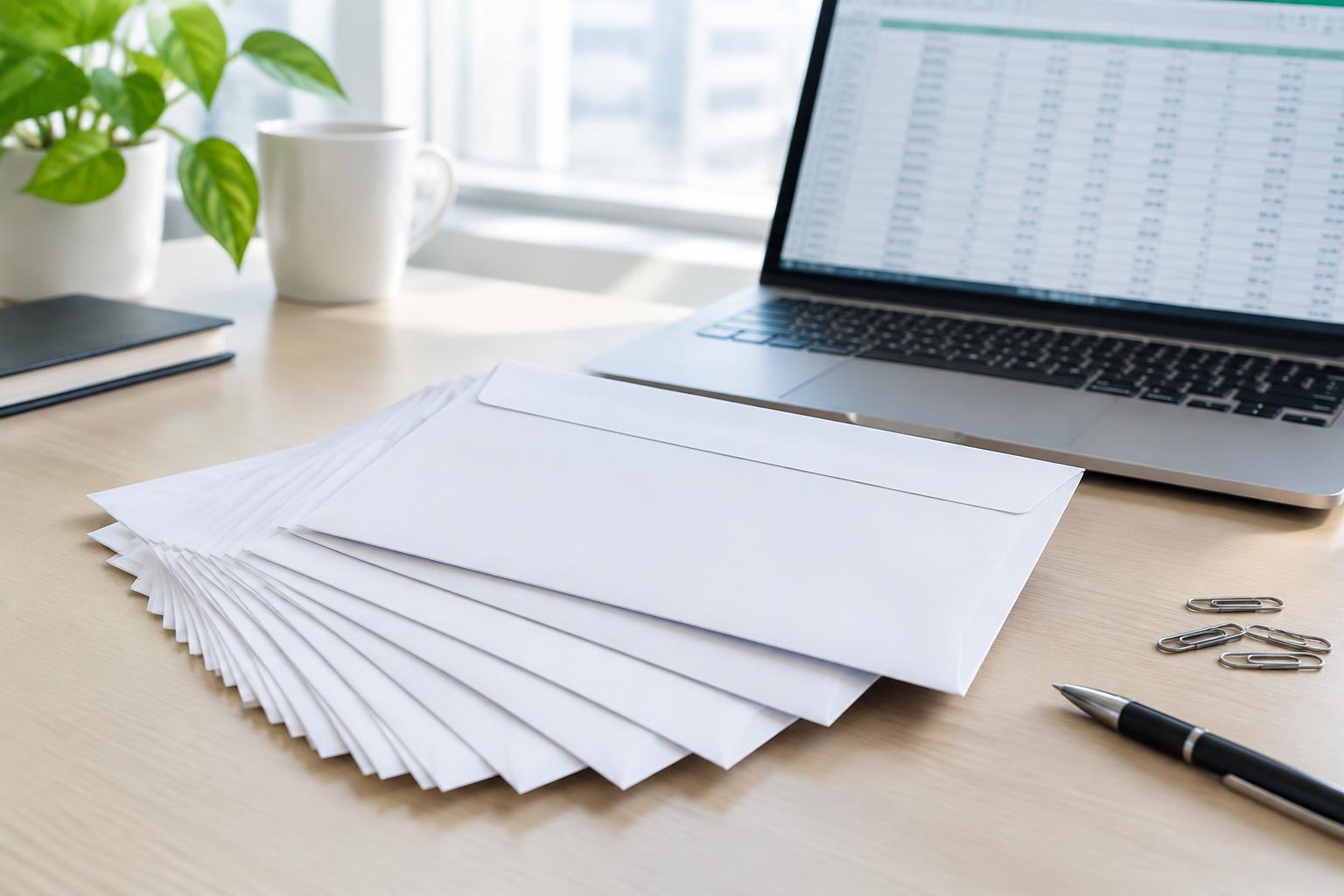
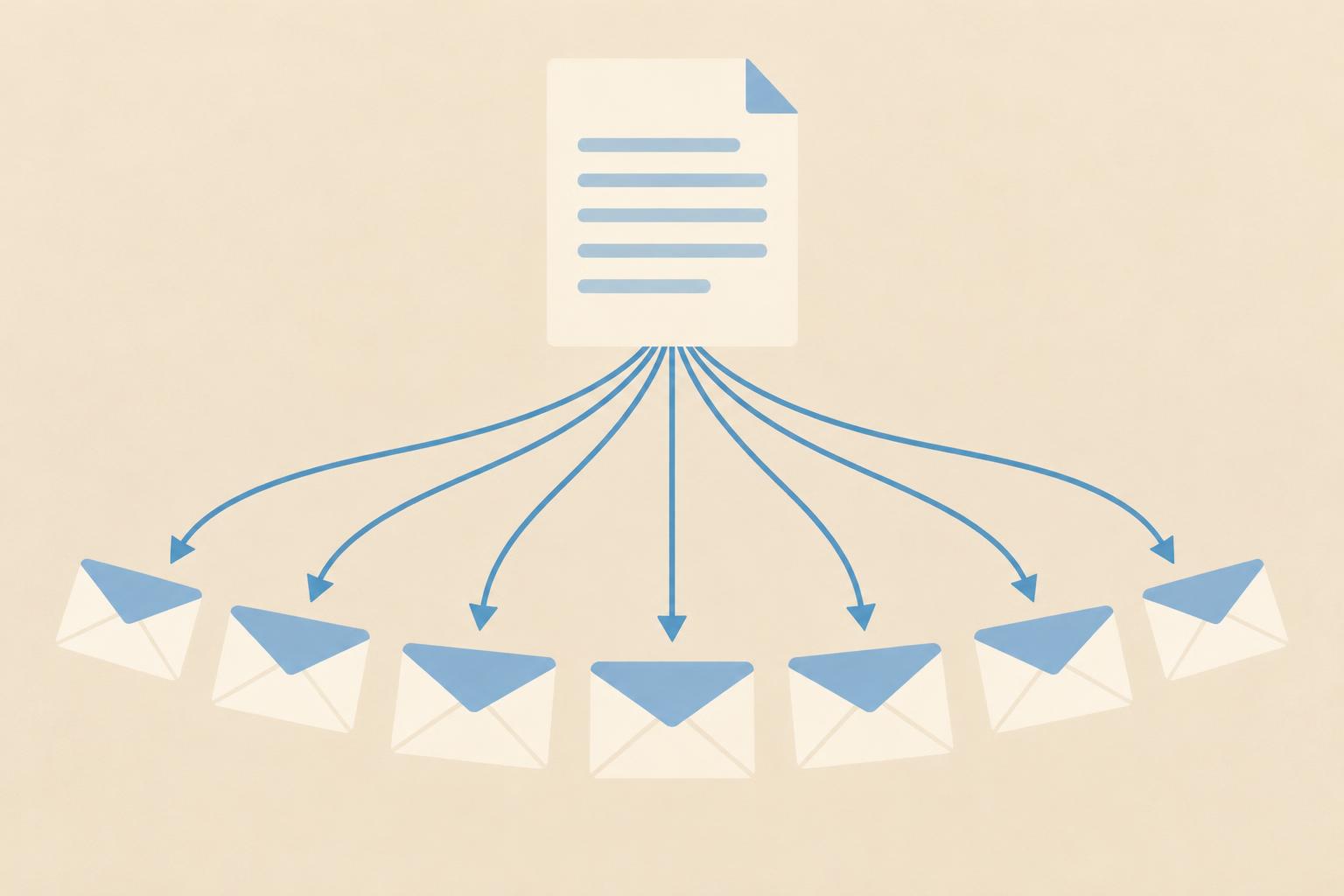
A mail merge letter is a document automatically personalised with each recipient's data: name, address, salutation and, if needed, individual amounts or dates. Every recipient gets a letter that looks personally written.
The three ingredients
- Address list: A table with clean columns — salutation, first name, last name, street, postcode, city. Typos in the list end up one-to-one on the envelope.
- Main document: The letter text with placeholders (merge fields) wherever the content changes per recipient.
- The merge: Word, LibreOffice or an online service combines list and document into individual letters.
Common mistakes — and how to avoid them
- Wrong salutation: “Dear Mrs Mr Smith” comes from empty or wrongly filled salutation columns. Set a rule for empty fields and print two test letters first.
- Outdated addresses: Reconcile the list before sending — for customer addresses, check the last returned items.
- Missing the window: The address block must sit exactly in the envelope window. Use the DIN 5008 letter template as a reference.
- Underestimating postage: Three sheets plus an attachment quickly turn a standard letter into a larger format. Check with the postage calculator before franking 200 envelopes wrongly.
Sending a mail merge without your own printer
From a few dozen letters upwards, outsourcing printing and posting pays off: you upload the letter and the address list, the service prints, envelopes, franks and posts. That saves time and the hassle of franking machines. For individual important letters from the list — like a payment reminder to a late-paying customer — you can also send the text directly in the letter editor.
Don't forget data protection
Address lists are personal data. Process them only for the purpose they were collected for, and when using external printing services for customer or member data, make sure a data processing agreement (Art. 28 GDPR) is in place.