
Three ways to sign a PDF
In practice you will meet three variants: a handwritten signature in pen on the printout, an inserted signature image (scanned, or drawn with a finger or stylus on a tablet) and a qualified electronic signature with a certificate. Legally these are very different things.
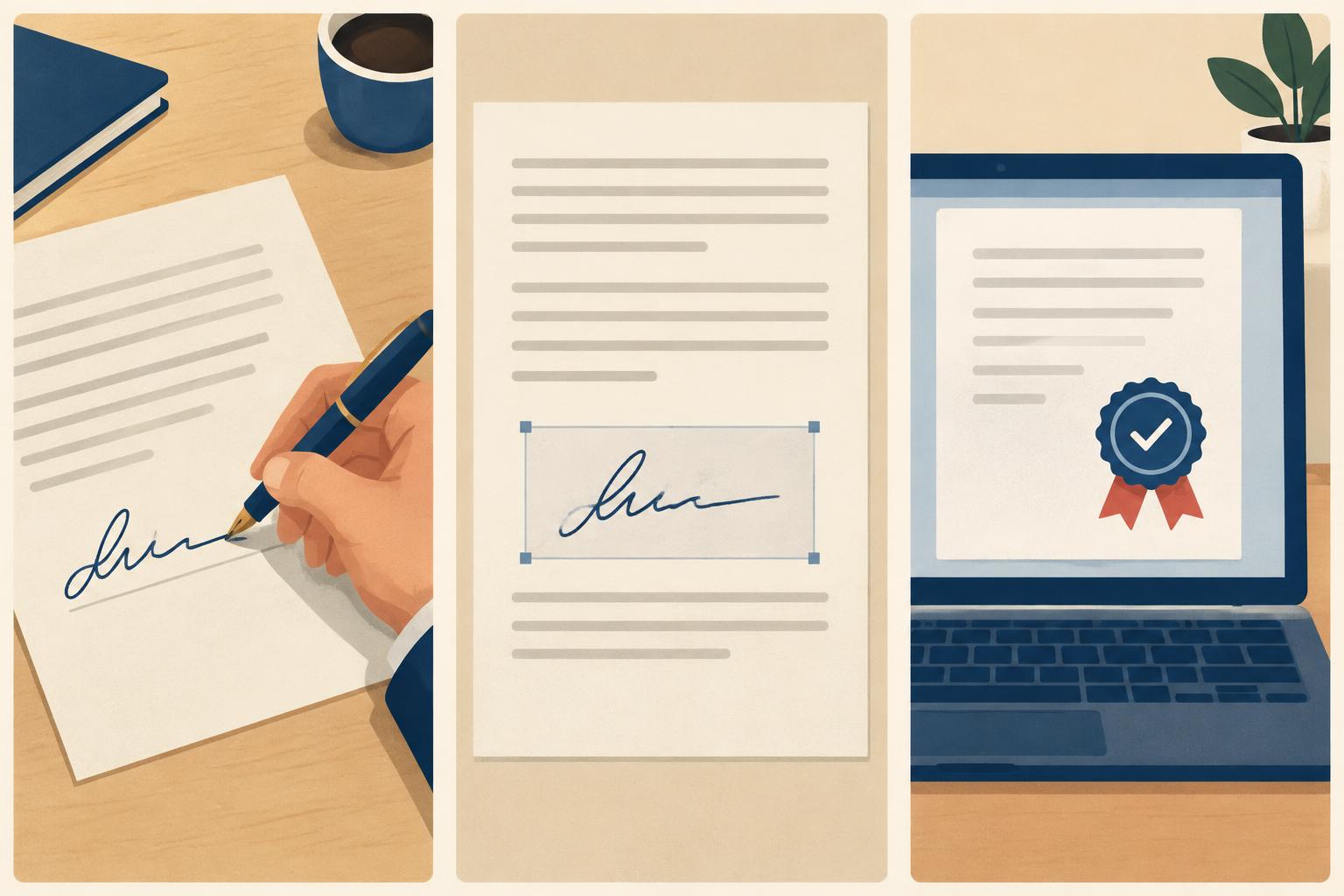
Which signature is enough?
| Form | What is sufficient | Typical examples |
|---|---|---|
| Written form (§ 126 BGB) | Your own handwritten signature on the original — a printed signature image is not enough | Terminating an employment contract (§ 623 BGB), terminating a residential lease (§ 568 BGB) |
| Text form (§ 126b BGB) | A readable statement with an identifiable sender, no signature needed | Many consumer contracts, withdrawal, cancelling phone or gym contracts (since October 2016 terms may not require a stricter form, § 309 No. 13 BGB) |
| No form required | Any form; a signature still adds credibility | Complaints, enquiries, payment reminders |
In short: where the law requires written form, the paper that reaches the recipient must carry your personal pen signature. A printed PDF with an inserted signature image is then formally invalid — whether you print it yourself or have it printed.
Step by step: sign and send a PDF
- Check the formal requirement: Does the contract, statute or form require "written form" in the sense of § 126 BGB? Then sign by hand.
- Check the PDF: page count, address, date, reference number. For window envelopes the address must sit in the address field.
- Sign: For text form a typed name or signature image is enough. For written form, print it and sign with a pen.
- Choose the postal service: For deadlines use registered mail and keep the receipt.
- Keep a copy: save the PDF you sent and — for paper — a scan of the signed version.
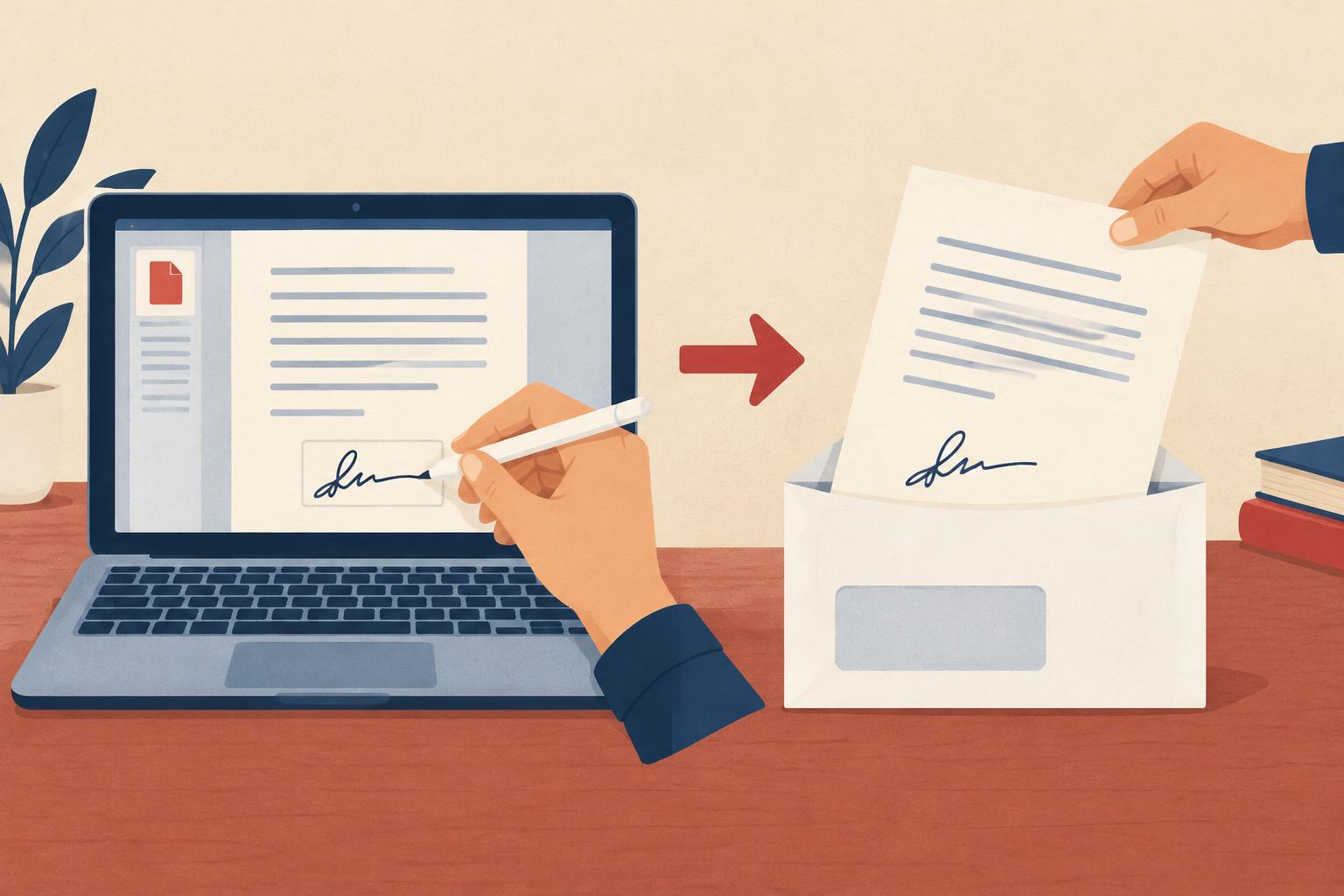
Send a PDF as a letter without a printer
When no handwritten signature is required, you don't need to print anything yourself. In the letter editor you paste the text, add sender and recipient and order dispatch. Printing, enveloping, postage and posting are handled for you. The details are in the guide Send letters online.
Common mistakes
- Terminating an employment or rental contract with an inserted signature image — the notice is then formally invalid.
- Using fax or email with a PDF attachment for written-form declarations.
- No date and place next to the signature.
- Not keeping a copy of the document you sent.
Not sure it arrived? Read how to prove that a letter was received. This overview is not legal advice.