
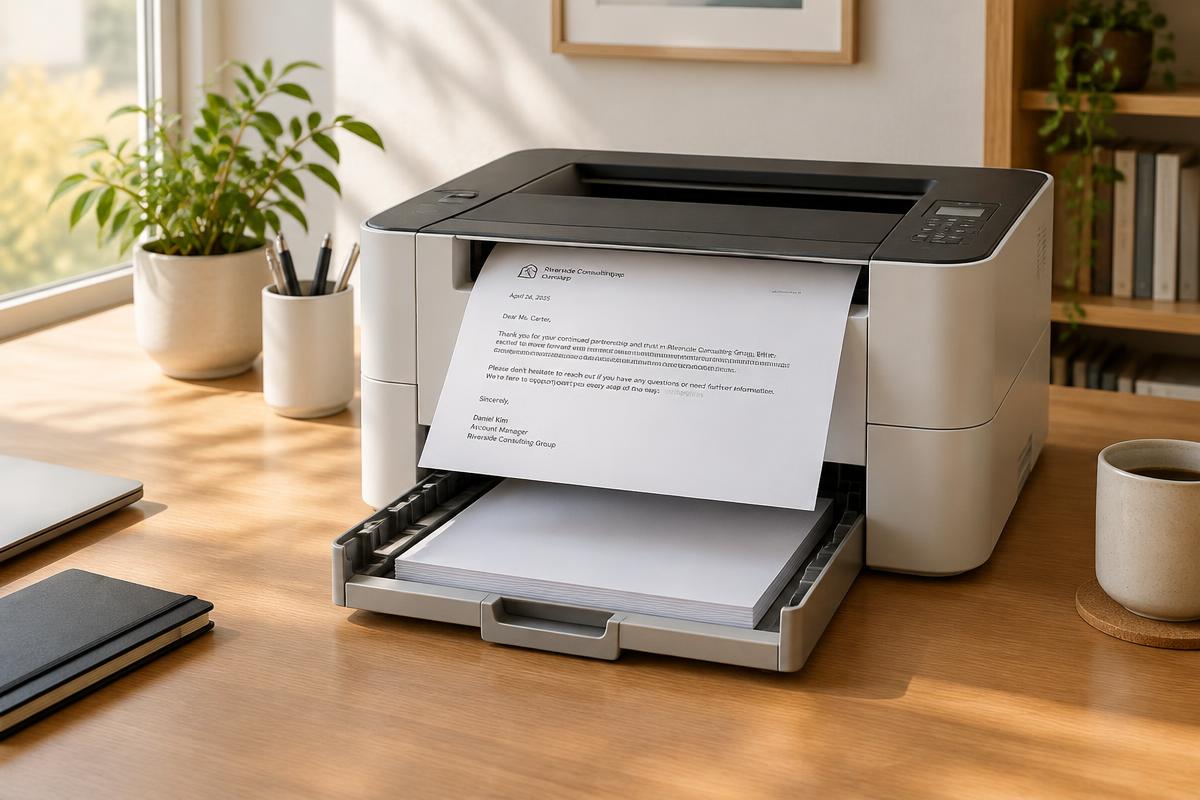
Why fewer households own a printer
Contracts, applications and letters to authorities increasingly happen digitally. The printer sits unused for months, the ink dries out, and exactly when an important letter is due, the device refuses to work. Many households have given up on printers — and face the question: where to print that one letter that must go on paper?
The options compared
| Option | Cost per page | Effort |
|---|---|---|
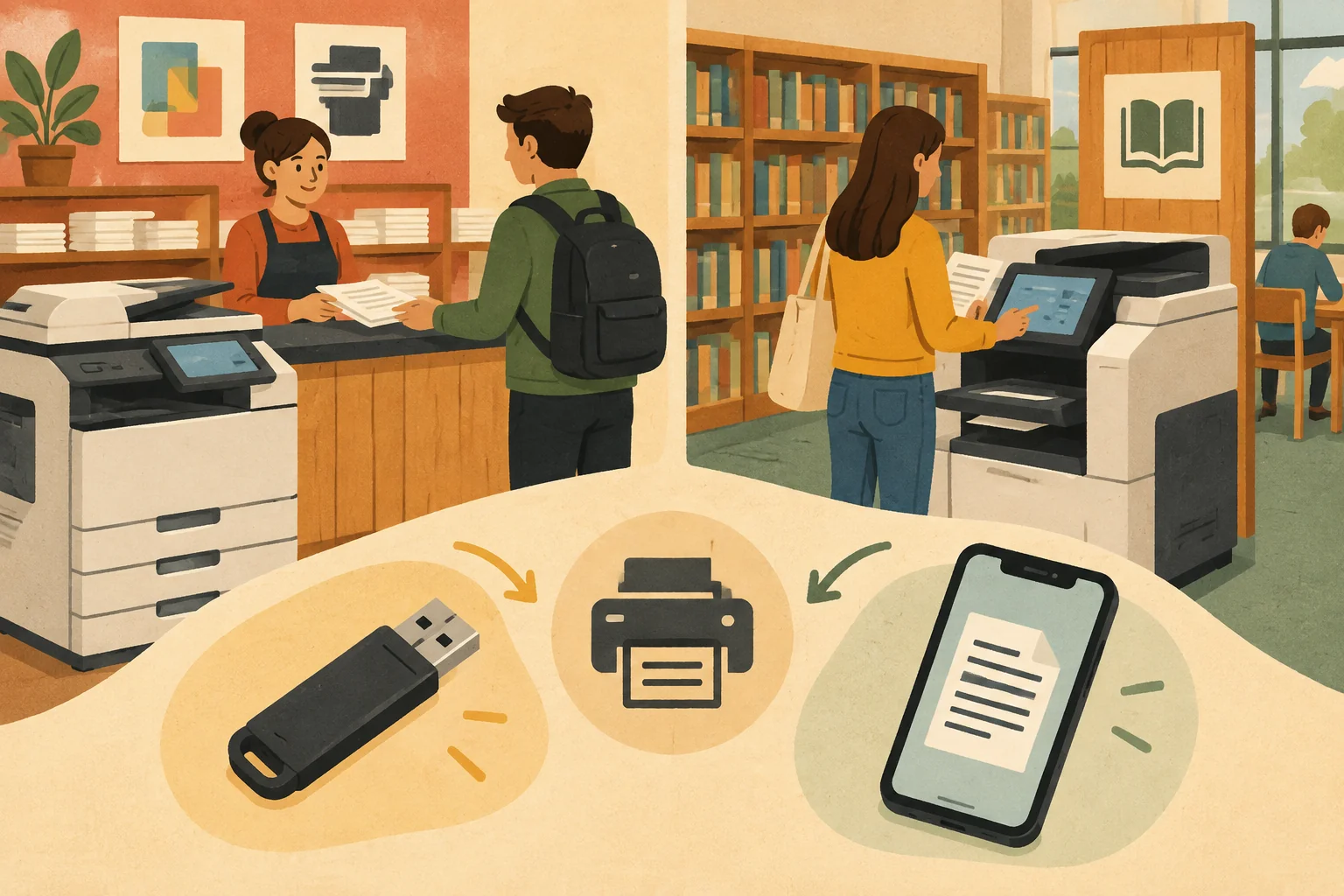
| Copy shop | €0.05–0.15 | Travel, waiting, USB stick or email required |
| Public library | €0.10–0.20 | Often registration, limited opening hours |
| Workplace | free | Private use often prohibited, privacy problem |
| Neighbours or friends | free | Depends on their device and time |
| Online print service | from ~€3 incl. postage | No trip, no device, no paper needed |
The hidden effort of printing yourself
Printing is only the first step. Then come folding, enveloping, addressing, franking and the trip to the mailbox or post office. If you have no letter paper, envelopes or stamps at home, you buy whole packs for a single letter. Realistically, a self-mailed letter costs €2–4 in total — plus your time.
Privacy when printing elsewhere
Terminations, medical letters or payment reminders contain sensitive data. Copies remain on the copy shop's USB stick, in the library computer's cache or in the office printer's spooler. If you have confidential letters printed externally, ask how the provider handles the data — reputable online services delete documents after dispatch.
Printing and mailing in one step
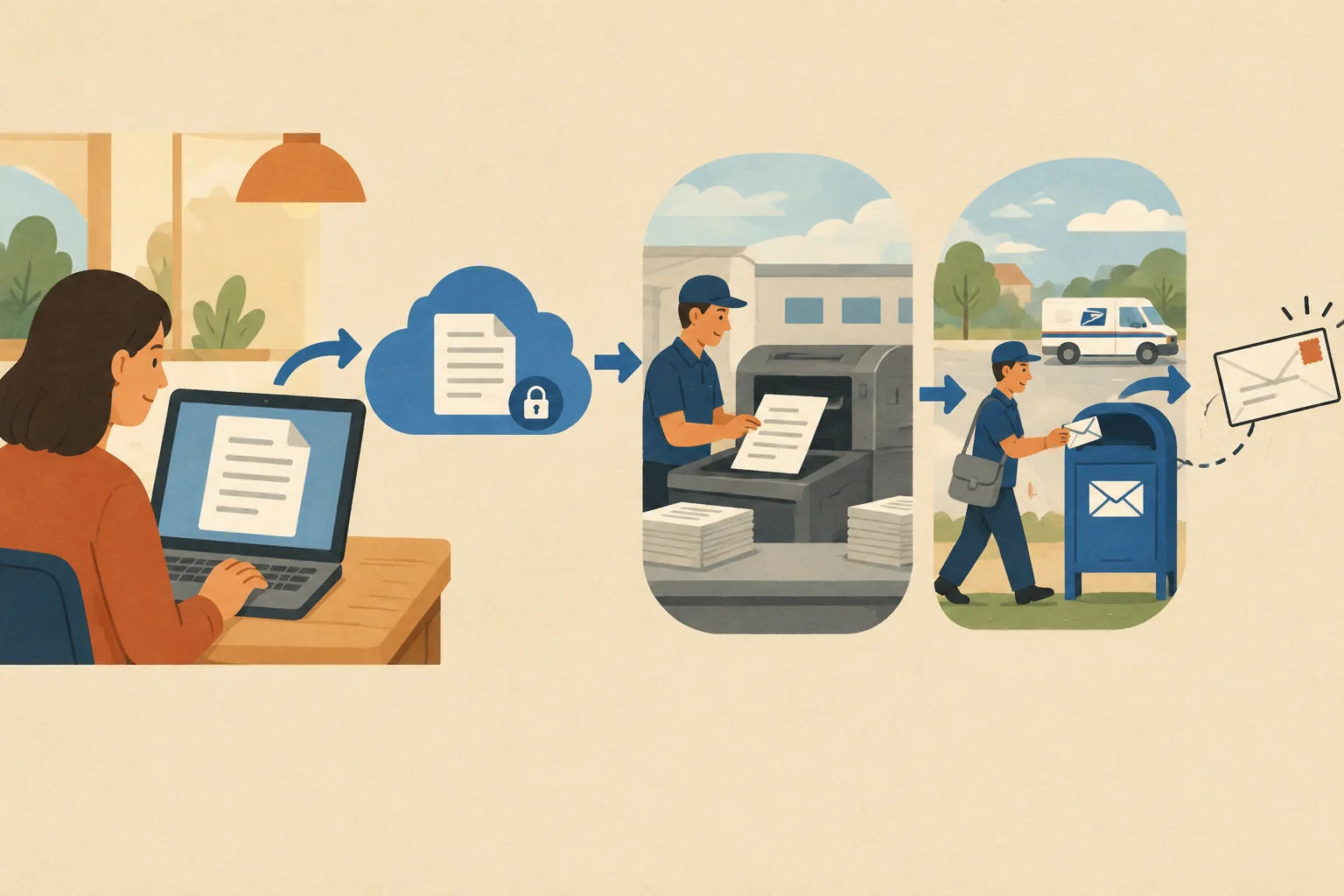
The simplest option is the combination: write the letter online, enter the recipient, send. The provider prints, envelopes, franks and hands it to the post — the same working day. You need neither printer nor paper, stamps or a nearby mailbox.
Write your letter online and have it mailed now
Which option fits?
- Copy shop: quick locally, but consider travel and privacy
- Library: inexpensive, but often requires registration
- Friends or office: only with permission and no sensitive data
- Online dispatch: printing and postage in one order
Delete files from shared devices after external printing. Write and send without a printer in the letter editor.