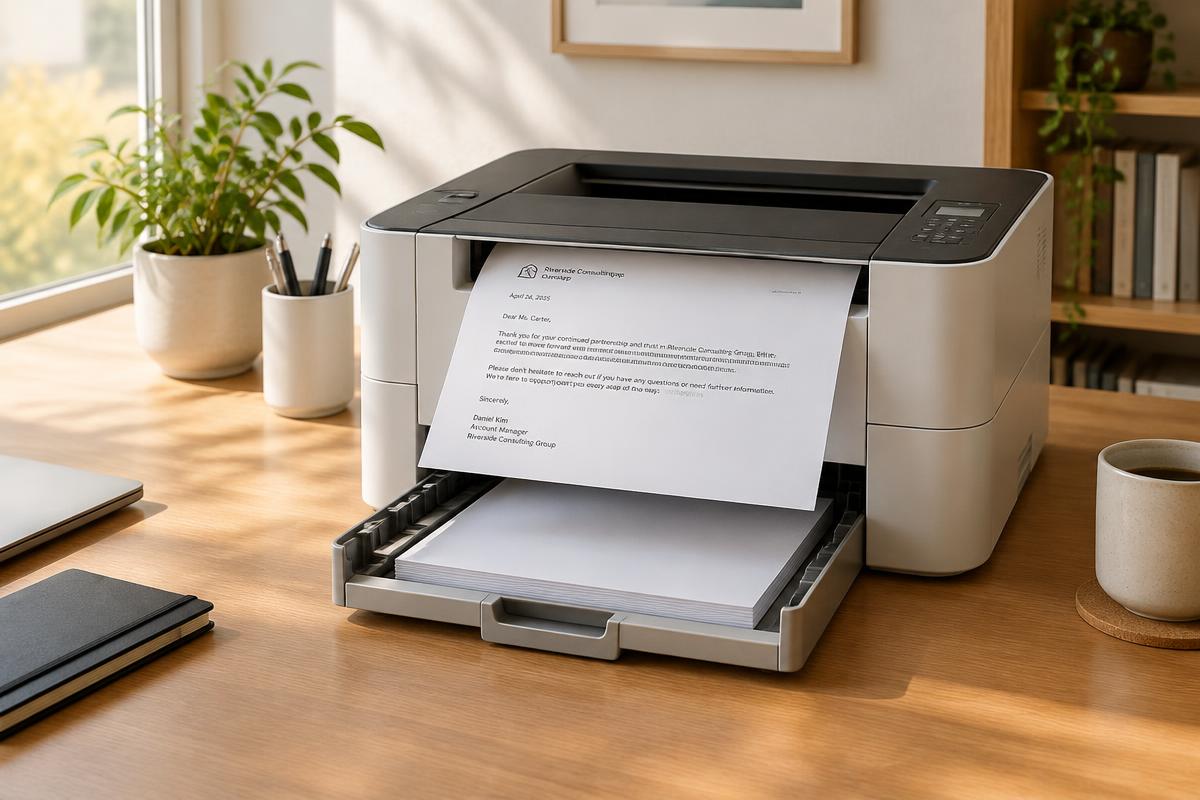
The typical printer disasters
- Ink or toner empty — and no matching cartridge anywhere in stock.
- Paper jam or skewed sheets that won't clear.
- Driver or Wi-Fi problems: the printer simply doesn't appear on the computer.
- Dried-out nozzles after a long pause: streaks make the letter unusable.
Why the sending time matters for deadlines
For most deadlines — such as cancellations with a receipt deadline — what counts is not the postmark but receipt by the recipient. A letter dropped in the box on the last day usually arrives too late. Plan at least two to three working days of transit. Only for a few deadlines, such as tax returns, is a timely postmark sufficient.
The emergency plan in four steps
- Don't wrestle with the device. After 15 minutes of troubleshooting, change strategy.
- Digital backup: save the letter as a PDF — on your phone, in the cloud, emailed to yourself.
- Call up alternatives: copy shop (check opening hours!), a friend's printer, or an online letter service that handles printing, enveloping and posting entirely.
- Secure proof: for time-critical letters, document the dispatch — posting receipt, registered mail or the online service's shipping confirmation.
Online mailing as a deadline saver
Online letter services are the fastest alternative because they require no hardware at all: upload the letter or write it directly in the browser, enter the recipient, pay — the provider prints and hands it to the post the same working day. It works even at 10 p.m., from your phone, from holiday.