The four options at a glance
- Copy shop: USB stick or email, printout in minutes. Typical prices: around 5–20 cents per black-and-white page, colour much more. Ideal when it has to be fast.
- Drugstores and photo stations: Many dm and Rossmann branches print documents via a terminal. Cheap, but usually only for small quantities.
- Online print shop: Upload, delivered by post. Worth it for larger quantities or bindings — often too slow for a single letter.
- Online letter dispatch: The PDF is printed, enveloped, franked and sent straight to the recipient. Saves printing, envelope, stamp and the trip to the postbox.
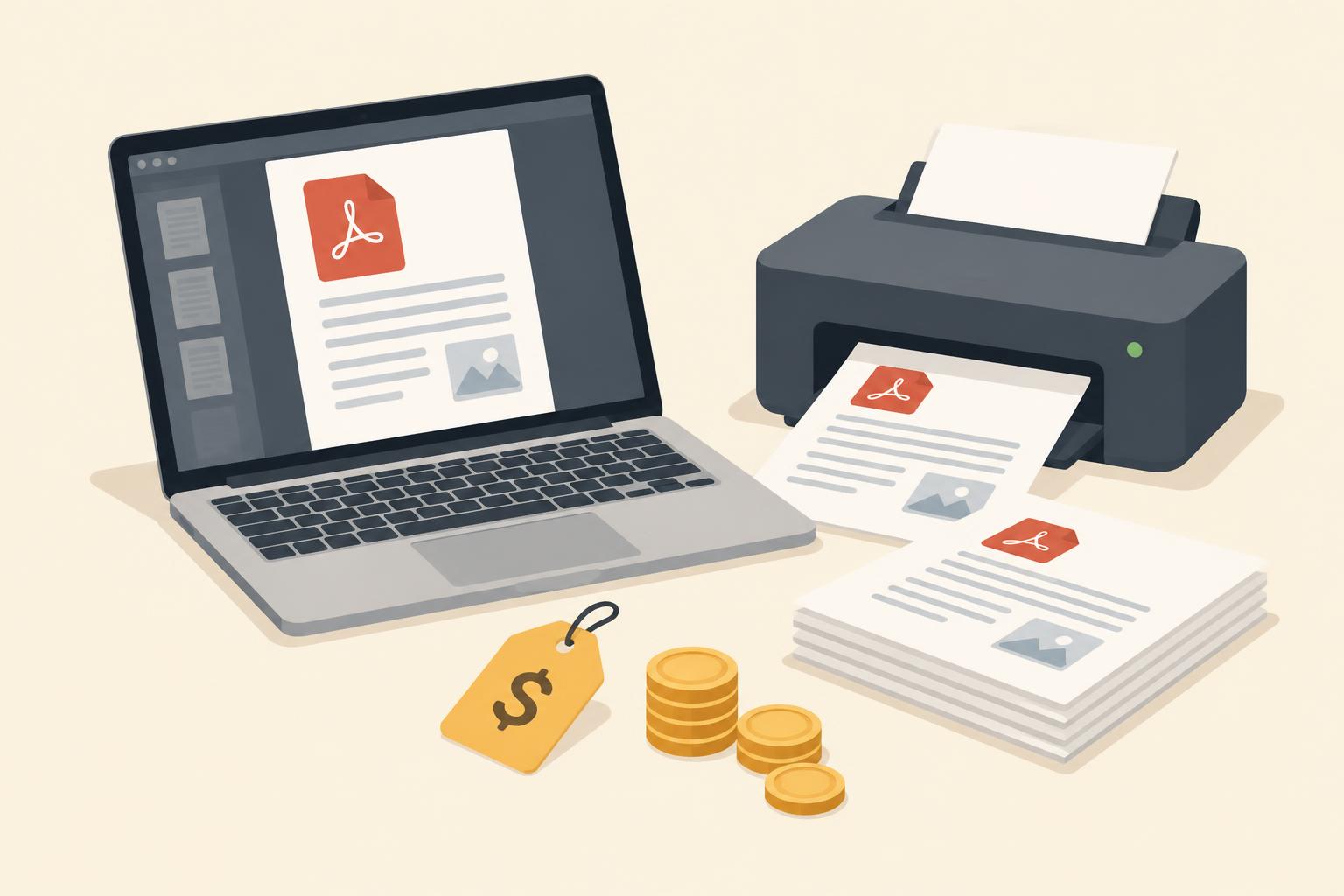
What does printing cost?
The range is wide. Guide values for one black-and-white A4 page:
- Copy shop: approx. €0.05–0.20 per page,
- Drugstore terminal: approx. €0.10–0.30 per page,
- Own printer: approx. €0.02–0.08 per page (paper and ink),
- Online letter dispatch: one total price including printing, envelope, postage and posting — with zero effort.
For a one-page letter the copy shop is often dearer than expected: travel, waiting time and the per-page price quickly add up to more than a fully dispatched letter.
Tips for printing
- Bring a PDF, not Word: Fonts and line breaks stay intact — a Word document can shift on a foreign computer.
- Check the preview: Review margins and page numbers before uploading. Tips in Printing PDFs: tips for letters.
- Choose black and white: Letters and contracts don't need colour — grayscale often halves the price.
The fastest way: don't print at all
If the PDF is going by post anyway, you can skip printing entirely: in the letter editor you paste the text or upload the document — printing, enveloping and posting are done for you. The postage calculator shows the postage for comparison.